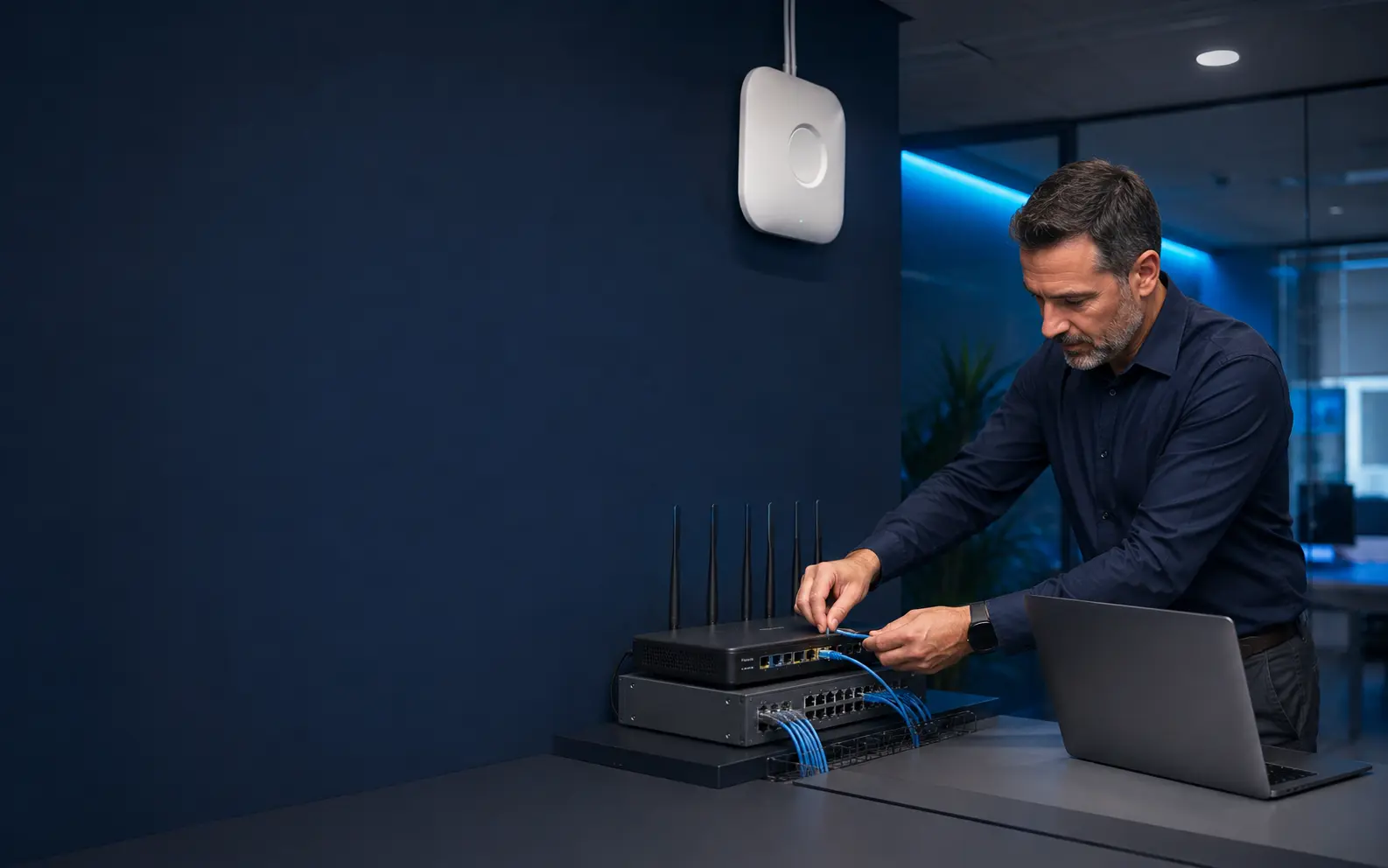

Coverage and capacity by design
Wi-Fi Configuration
Plan wireless coverage, capacity, access points, primary and guest access, roaming, security settings, testing, and documentation.
Call or start a live chat. Please do not share passwords, payment information, health records, or other sensitive data.
One-to-one product guidance
Business Wi-Fi
Plan wireless coverage, capacity, access points, primary and guest access, roaming, security settings, testing, and documentation.
Understand the equipmentRouter, modem, gateway, switching, and provider handoff.
Review connection needsCoverage, performance, device access, and recurring symptoms.
Choose the next stepClear guidance before any eligible remote or on-site work.
The business problem
A strong signal icon does not guarantee a reliable business network when capacity, interference, placement, roaming, or upstream connectivity is wrong.
U.S. offices with dead zones, unreliable roaming, growing device counts, guest-access needs, or a planned move or expansion.
Commercial service boundaryIndependent B2B network assessment and configuration services. NETGEAR and other third-party names belong to their respective owners; no affiliation, endorsement, or manufacturer authorization is implied.
Potential engagement scope
What the work can include.
Final access, equipment, responsibilities, schedule, availability, pricing, and terms are defined only after discovery and written approval.
Coverage and capacity planning
Access-point placement
Business and guest access design
Security configuration baseline
Validation and documentation
Decisions to clarify
Questions before changes.
- 01How many users and devices connect?
- 02Which rooms and workflows are critical?
- 03What guest access is needed?
- 04Which cabling and mounting dependencies exist?
Useful deliverables
A documented business output.
- Wireless requirements
- Placement and configuration plan
- Test criteria
- Handoff documentation
How the engagement works
Defined from discovery to handoff.
- 01
Connect with a product expert
Describe the business location, users, equipment, symptoms, provider, and operational impact.
- 02
Establish the current state
We identify the internet handoff, gateway, switching, Wi-Fi, addressing, and ownership.
- 03
Assess requirements
Coverage, capacity, devices, workflows, access, and upcoming changes are considered.
- 04
Define the configuration
A practical design identifies approved settings, dependencies, responsibilities, and validation criteria.
Related campaign destinations
Continue planning the environment.
Network Assessment
Review internet handoff, gateway, switching, Wi-Fi, addressing, segmentation, cabling, ownership, and operational requirements.
Explore service ↗Router Configuration
Plan and configure eligible router, gateway, switching, addressing, access, and internet handoff requirements within an approved scope.
Explore service ↗Network Performance
Assess recurring slowdowns, connection drops, latency, congestion, coverage, equipment constraints, and application dependencies.
Explore service ↗Start with a conversation
Discuss business wi-fi
Tell us about the business location, affected users, equipment, symptoms, recent changes, and the outcome you need. We’ll help organize the request and determine an appropriate next step.
Inquiries accepted 24/7Service timing, on-site availability, travel, and the final scope are confirmed for each U.S. business project.
Before contacting us: Have the business location, equipment model if known, symptoms, affected users, connection type, and recent changes available. Do not submit credentials or sensitive records.
Service eligibility and transparency
Commercial services for organizations in the United States.
PhotoStat Technologies provides independent router, modem, Wi-Fi, and network assessment, configuration, and deployment services. This is not a residential technical-support hotline or a manufacturer-authorized service center unless expressly stated in writing. Remote and on-site eligibility, access, timing, travel, equipment compatibility, responsibilities, and final scope are confirmed for each project.
Questions before you connect
Clear answers.
Clear boundaries.
Do you promise coverage before assessment?
No. Coverage and performance depend on the space, materials, interference, cabling, equipment, and actual workload.
Can guest Wi-Fi be separated?
Yes, where the selected equipment and approved design support the required separation.
Is this residential modem or router support?
No. The campaign is exclusively for U.S. businesses and their commercial network environments.
Are you affiliated with NETGEAR?
No. NETGEAR is a third-party trademark. PhotoStat Technologies is an independent B2B provider and does not imply manufacturer authorization or endorsement.
Can you assess NETGEAR equipment a business already owns?
Potentially, when the business has lawful administrative access and the model, support status, environment, and requested scope can be verified. Availability is not guaranteed.
Can you configure any router or modem remotely?
No. Eligibility depends on the equipment, access, provider requirements, security considerations, business environment, and approved scope.
Is on-site service available throughout the United States?
Projects may be served across the United States, but on-site eligibility, travel, schedule, and scope are confirmed for each location.